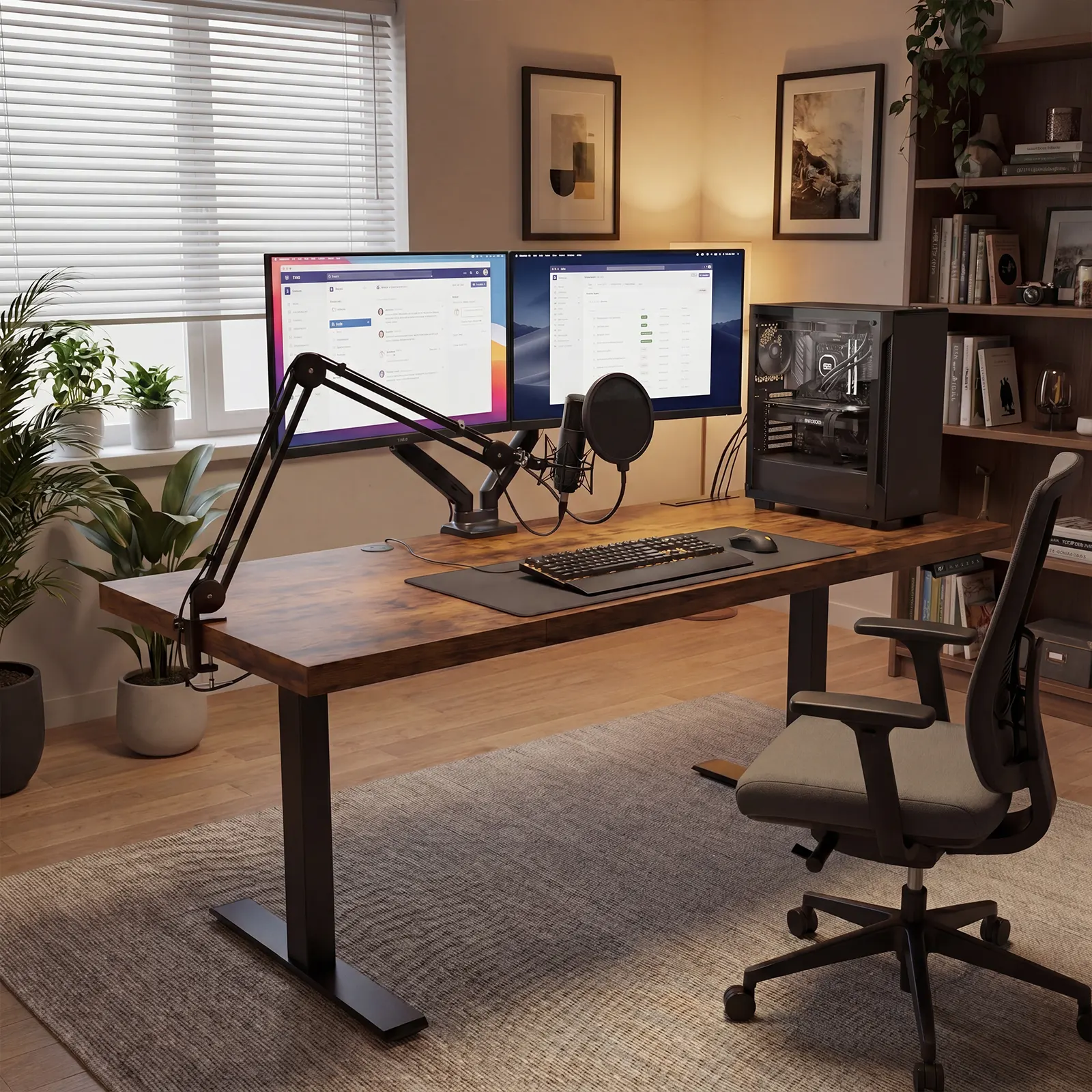
The new guide helps home-office buyers compare desk shape, height range, stability, power access, and cable movement before choosing a setup.
AZUSA, CA, UNITED STATES, June 12, 2026 /EINPresswire.com/ — OffiGo has published a new workspace guide for remote professionals who need an adjustable desk that fits a full workday, not just a product photo. The guide, adjustable desks for remote professionals, compares desk choices by workflow: screen count, room layout, seated and standing height, stability, power access, and cable movement.
The release responds to a common home-office problem. A desk can lift and lower correctly while still creating daily friction if the monitor shakes, charging cables pull tight, the keyboard height is wrong, or a corner layout blocks the room. For remote workers who use one station for calls, focus work, documents, charging, and posture changes, the right desk is usually the one that matches the work pattern before it matches a preferred shape.
The guide starts with practical selection criteria rather than a single blanket recommendation. It notes that keyboard height should stay close to elbow height and that workstation cords need enough reach to support equipment placement across different positions. It also frames ergonomics around reducing workstation risk factors that can contribute to discomfort during long workdays. Those criteria turn the desk search into a fit check: body height first, gear second, room shape third.
Guide Findings
The first finding is that height range matters only when it matches the user. A sit-stand desk should support both seated and standing elbow alignment. Remote professionals should measure their seated elbow height and standing elbow height, then save those positions into memory controls when available. This makes posture changes repeatable instead of a daily guessing exercise.
The second finding is that stability becomes more visible at standing height. A desk that feels acceptable when seated may wobble when the frame extends, especially with monitor arms or uneven corner loading. Buyers should compare frame bracing, crossbeam design, support gaskets, floor levelers, and how equipment weight will be distributed across the surface.
The third finding is that surface shape should follow workflow. A wide straight desk can suit managers, analysts, writers, and consultants who want one clean work lane. An L-shaped desk can support multiple screens, side reference material, and separate device zones. A U-shaped or wraparound layout can help in smaller rooms where calls, notes, and devices compete for usable surface area.
The fourth finding is that power access and cable travel should be planned before final placement. Built-in outlets and USB ports can reduce desktop clutter, but every cord still needs enough slack to move from the lowest to the highest desk position. Buyers should raise the desk fully during setup and watch each cable move before declaring the workstation finished.
The guide also maps five OffiGo desk configurations to specific remote-work scenarios. The 71-inch Executive Electric Standing Desk is positioned for users who need a broad straight surface for multiple screens, laptop work, calls, and documents. The 63-inch reversible L-shaped standing desk is positioned for corner workflows where screen lanes, side reference space, and room orientation matter more than a single straight desktop.
For compact layouts, the guide discusses L-shaped and U-shaped 55-inch options that separate keyboard, monitor, and accessory zones. It also highlights tradeoffs that buyers often overlook: keyboard tray clearance, monitor shelf height, door and window placement, walking paths, outlet location, and whether a larger desktop will make the room harder to use.
The practical takeaway is to sketch the current workspace before buying. Buyers can mark monitor count, keyboard position, laptop location, charger path, chair clearance, and standing-height target on paper. That short planning step can prevent common errors such as choosing too little depth, forgetting cable slack, overloading one corner, or buying a desk shape that fights the room.
OffiGo says the guide is part of its broader workspace education effort for home-office and professional users who want more systematic desk selection. Instead of ranking desks by looks alone, the guide treats adjustable desks as workstation systems that must coordinate surface area, height movement, power, storage, stability, and daily work habits.
Additional Workspace Takeaways
For readers comparing adjustable desks, OffiGo summarizes the guide around four practical rules. Remote professionals should choose by workflow rather than size alone. A wide straight desk fits command-center work, an L-shaped desk fits multi-monitor corners, and compact L-shaped or U-shaped layouts can help smaller rooms where surface zones need to do more work.
The guide defines an adjustable desk for remote professionals as a sit-stand workstation that supports screen work, video calls, device charging, documents, cable movement, and repeatable posture changes across a home-office workday. The most important evaluation factors are height fit, standing-height stability, surface shape, memory presets, power access, and cable travel from the lowest to highest desk position.
Before choosing a desk, buyers should sketch monitor count, keyboard position, laptop location, charger path, chair clearance, and standing-height target. Standing-height wobble can often be traced to uneven floors, loose hardware, overloaded corners, or heavy monitor arms mounted far to one side.
OffiGo Workspace Team
OffiGo – Professional Workspace Solutions
Creator@offigo.com
Visit us on social media:
Instagram
YouTube
X
Legal Disclaimer:
EIN Presswire provides this news content “as is” without warranty of any kind. We do not accept any responsibility or liability
for the accuracy, content, images, videos, licenses, completeness, legality, or reliability of the information contained in this
article. If you have any complaints or copyright issues related to this article, kindly contact the author above.

Media gallery